AV Installations

Microsoft Teams Rooms

Tailored Microsoft Teams Rooms for Your Workspace

What is a Microsoft Teams Room?

A Microsoft Teams Room (MTR) is a dedicated meeting space designed to deliver high-quality collaboration using the Microsoft Teams platform. It combines essential hardware components, such as cameras, microphones, speakers, and displays, with integrated Teams software to create a smooth and consistent meeting experience. One of its key features is the one-touch meeting start, enabling users to join scheduled meetings via a central control panel. At AV Xpert, we design and install Microsoft Teams Rooms tailored to your organisation, from huddle spaces and meeting rooms through to town hall spaces.

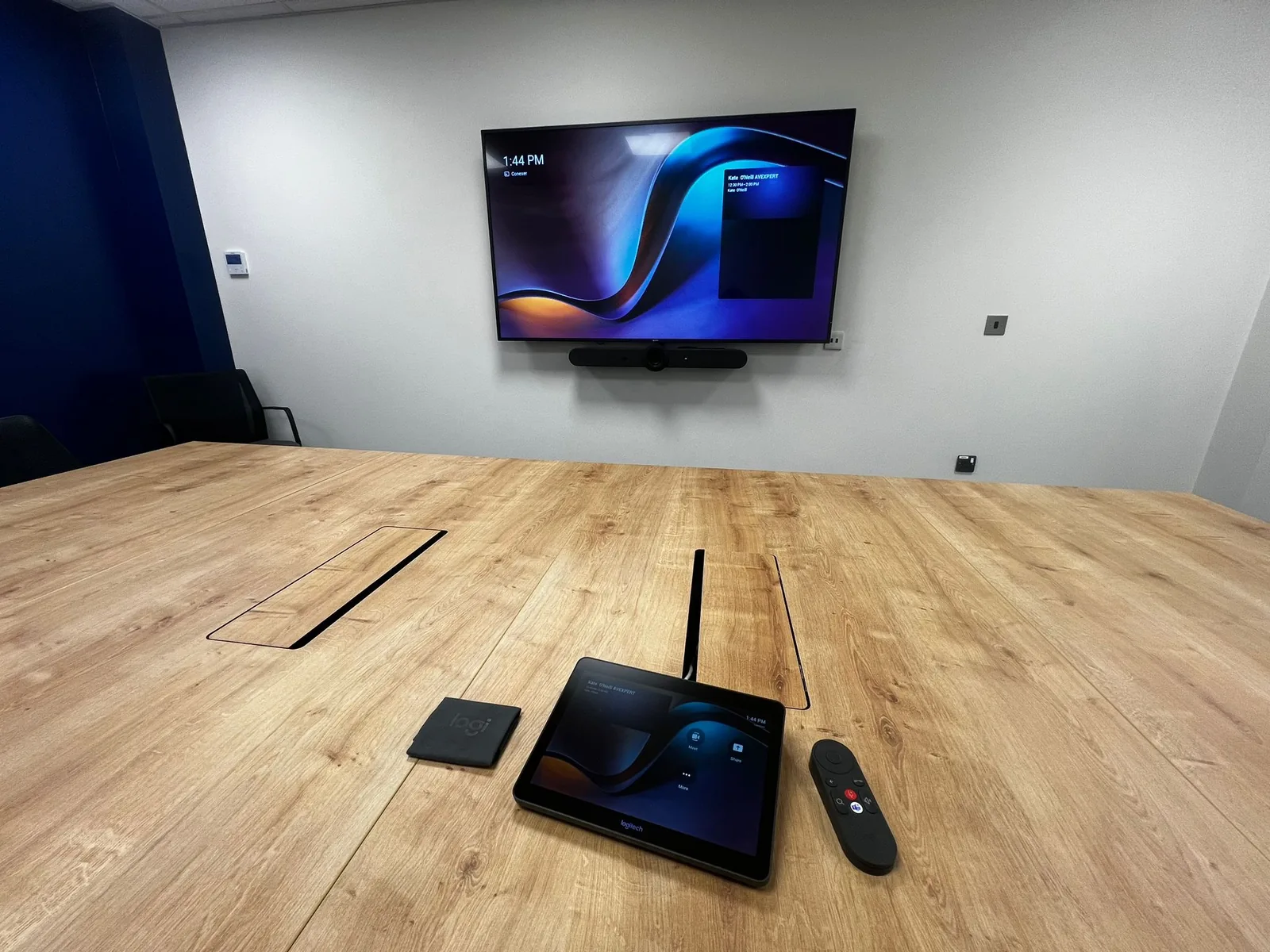
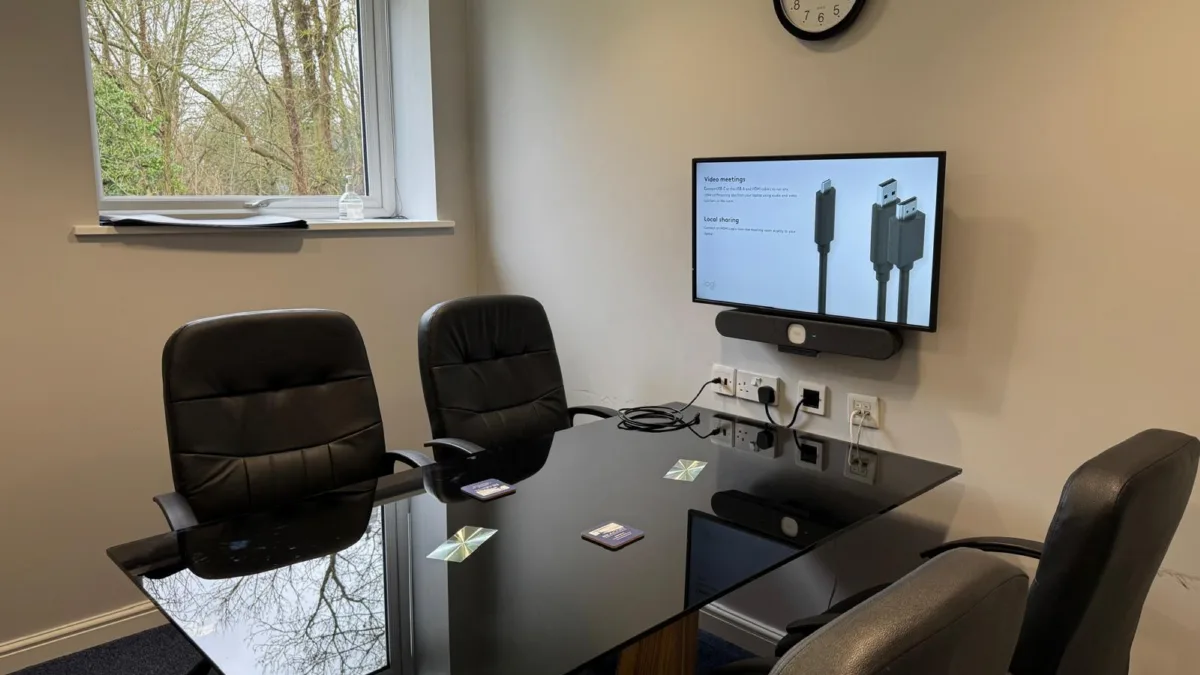
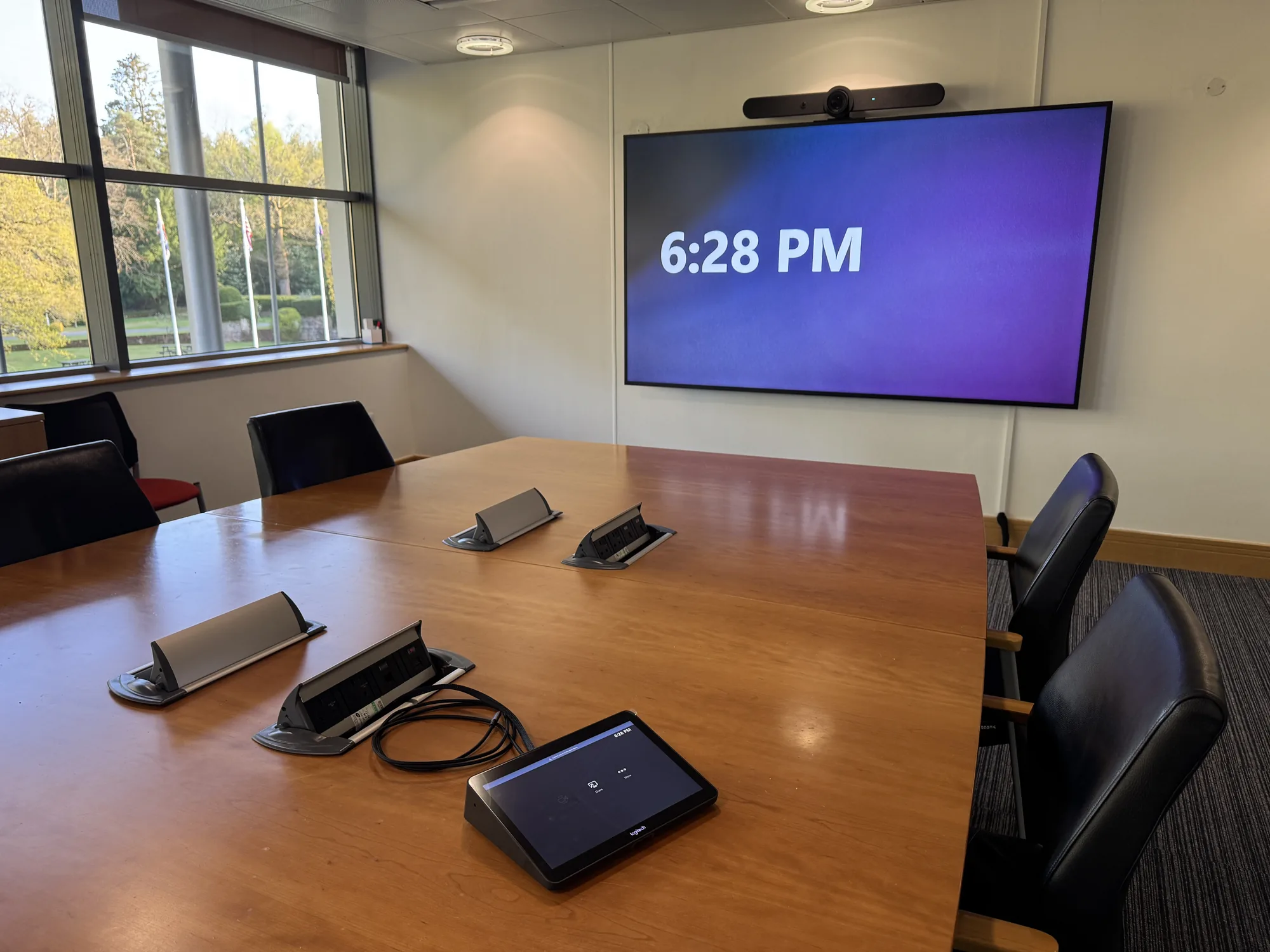
Microsoft Teams Room at GE Pollards Wood seen from the side of the table, with the touch panel, video bar and display, installed by AV Xpert
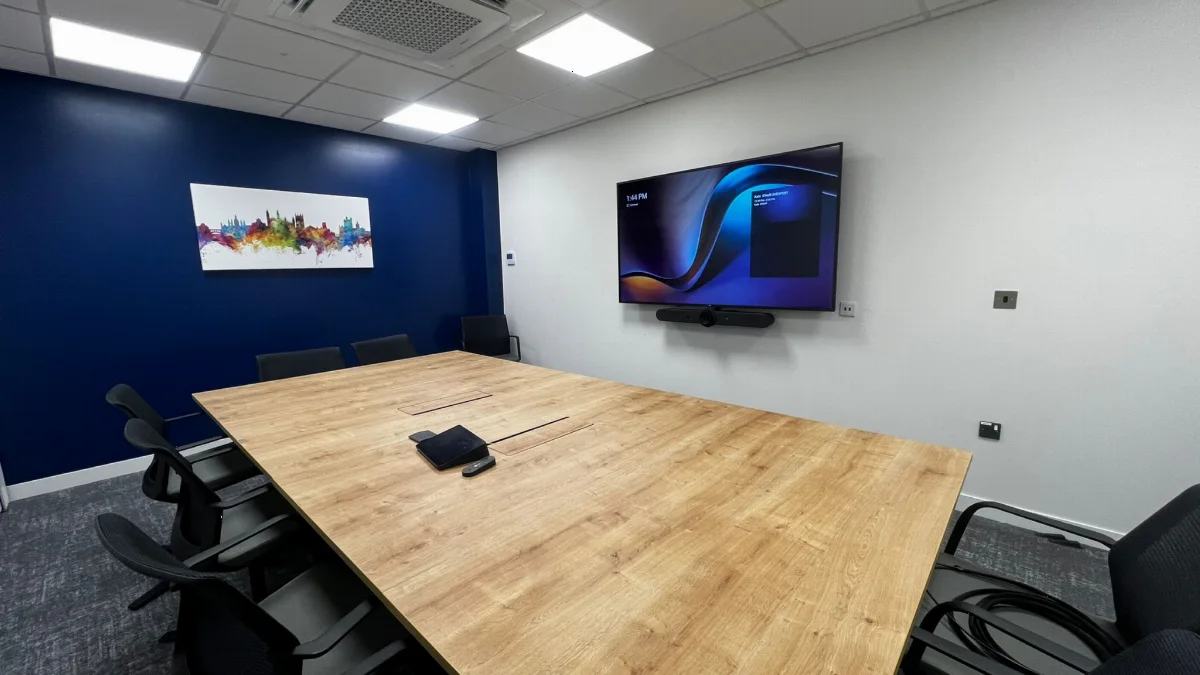
Microsoft Teams Room with a blue feature wall, wall-mounted display and video bar above the meeting table

Booking the Room

Each Teams Room has its own Microsoft 365 account, so you book it in Outlook or Teams by adding the room to your meeting invite, just as you would a colleague. You can see which rooms are free in Outlook's room finder, and if the room is available it accepts the booking automatically. Booking panels can be fitted outside the door to show at a glance whether the room is free or in use.
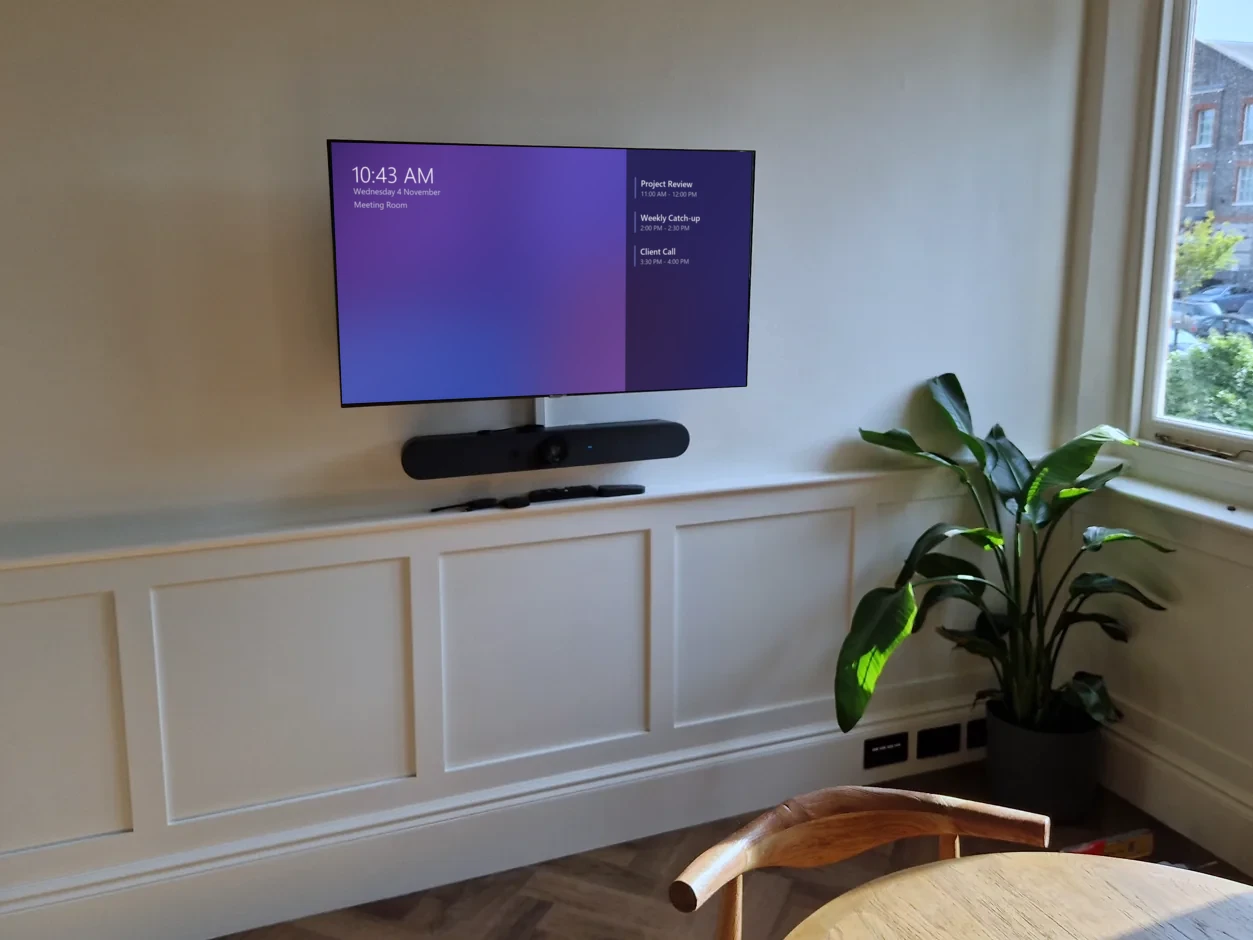
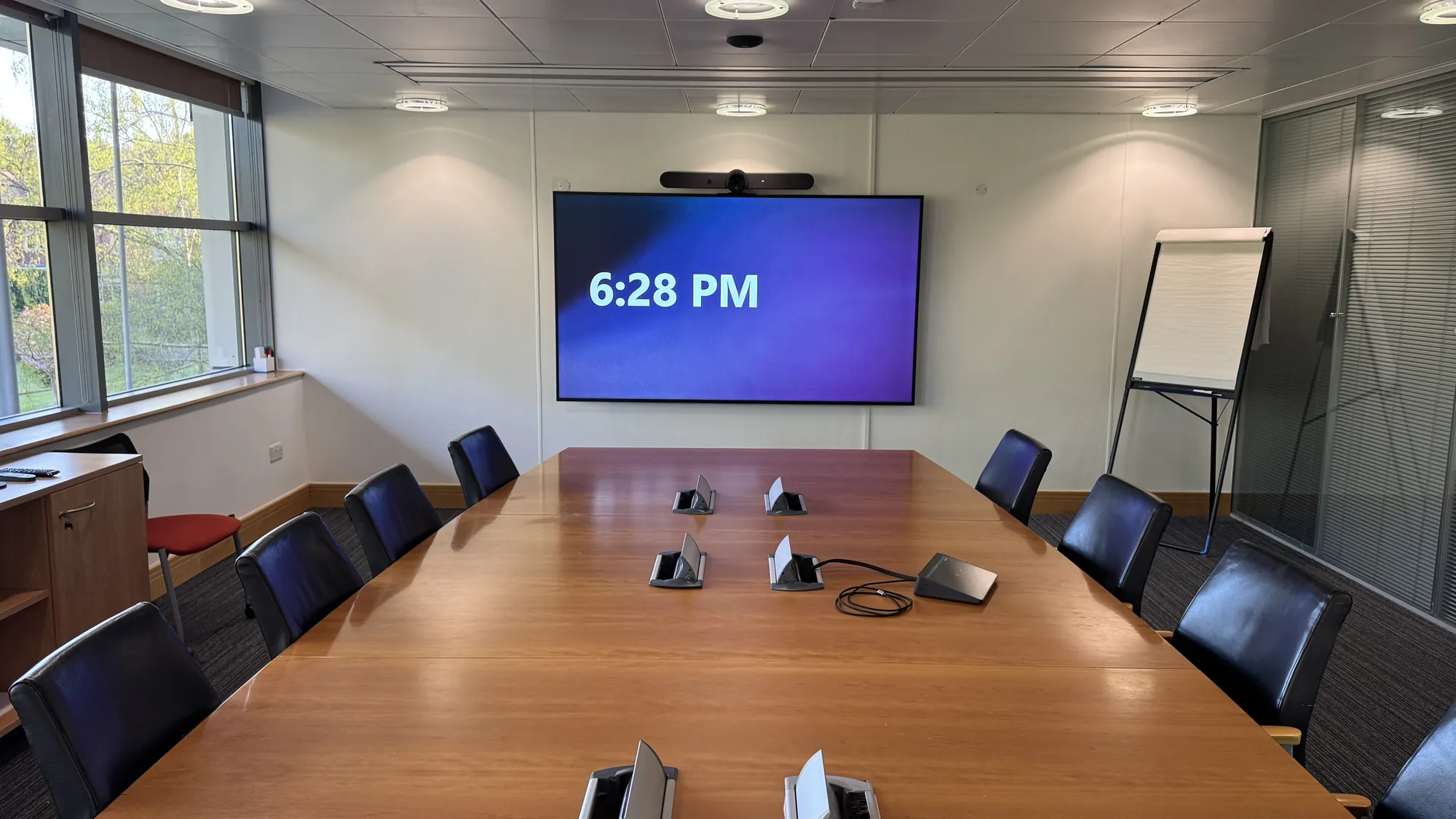
Microsoft Teams Room main display showing the time, room name and upcoming meetings above a video bar

Using the Room

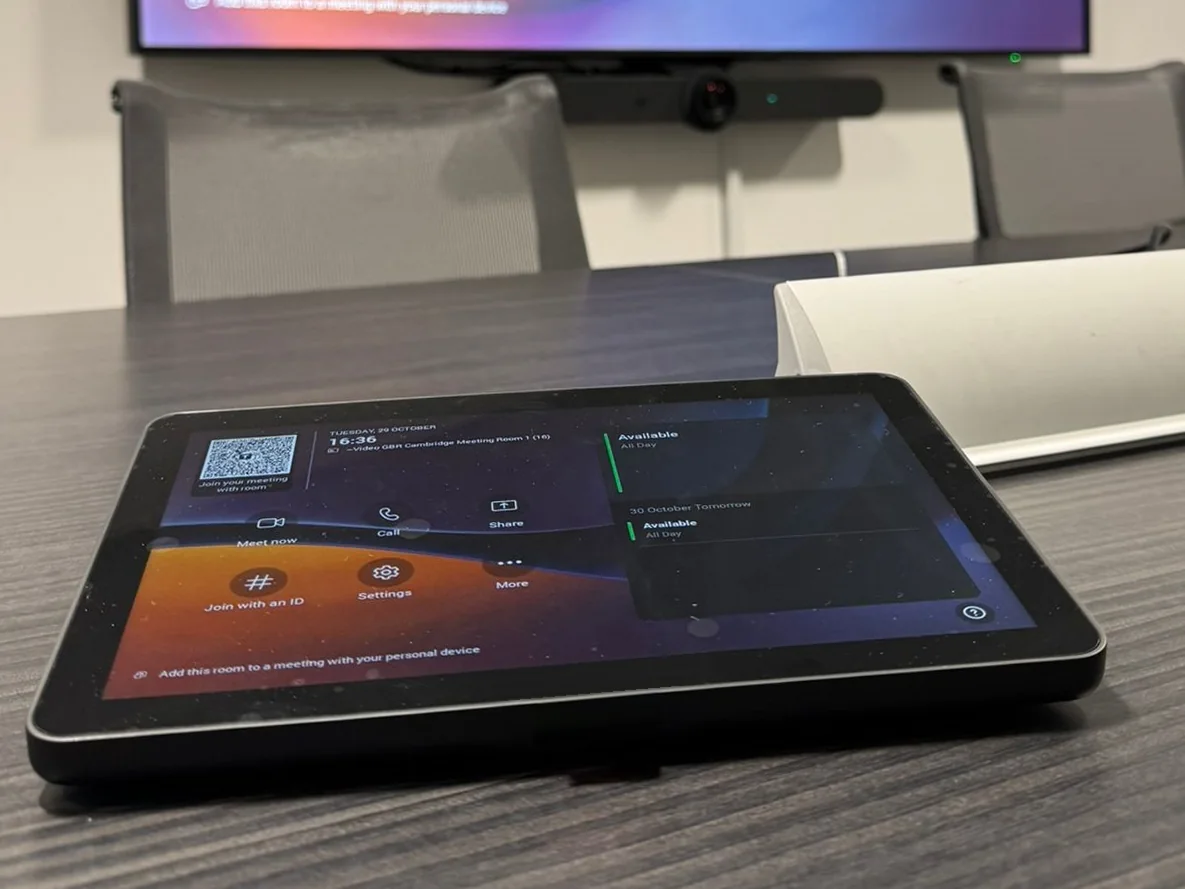
When you walk into the room, the main display shows the room name, the time and the meetings coming up, so it is immediately obvious you are in the right place for the meeting. A touch panel, usually on the table but sometimes mounted on the wall next to the display, also shows the meeting, with a button to join the meeting in one touch.

There is no laptop to connect and nothing to switch on or configure. The equipment can be left running, or motion sensors can detect people coming into the room and wake the display.

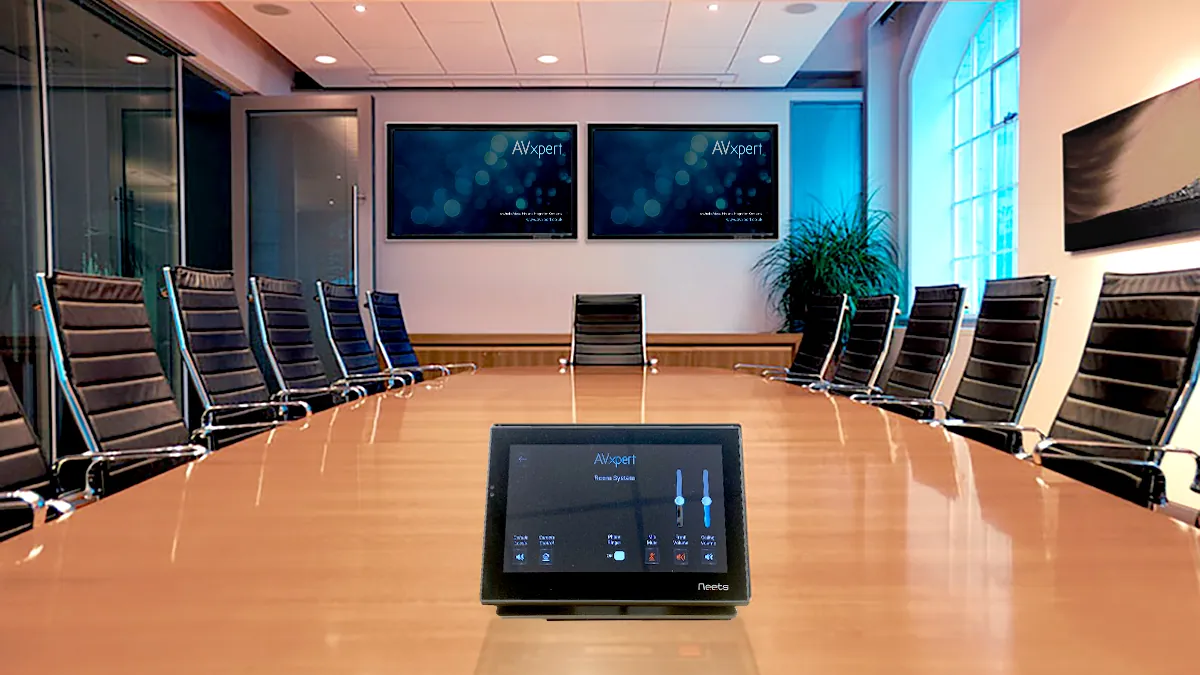
Microsoft Teams Rooms touch panel on the table at GE Vernova, with the main display and video bar behind

Joining the Meeting

Tap Join on the touch panel and the meeting starts, with the room's camera, microphones and speakers ready to go. The same works for Zoom, Webex and Google Meet invites sent to the room. If you arrive with your laptop open, Teams can detect the room nearby and offer to join using the room's audio and video instead. No meeting booked? Start one straight from the touch panel and invite people as you go.

Microsoft Teams Room at Constructive Bio with a wall-mounted display, video bar and touch panel

Running the Meeting

Share your screen wirelessly from Teams, or plug in a cable if you prefer. Remote participants appear on the main display, and the camera and microphones pick up everyone around the table.

A second display can be fitted to show presentations and shared content, while remote participants stay on the main display.

The touch panel controls everything during the meeting, from the volume and muting the microphones to the camera and the screen layout. When the meeting is over, one touch on the end button leaves the call and the room is ready for the next booking.

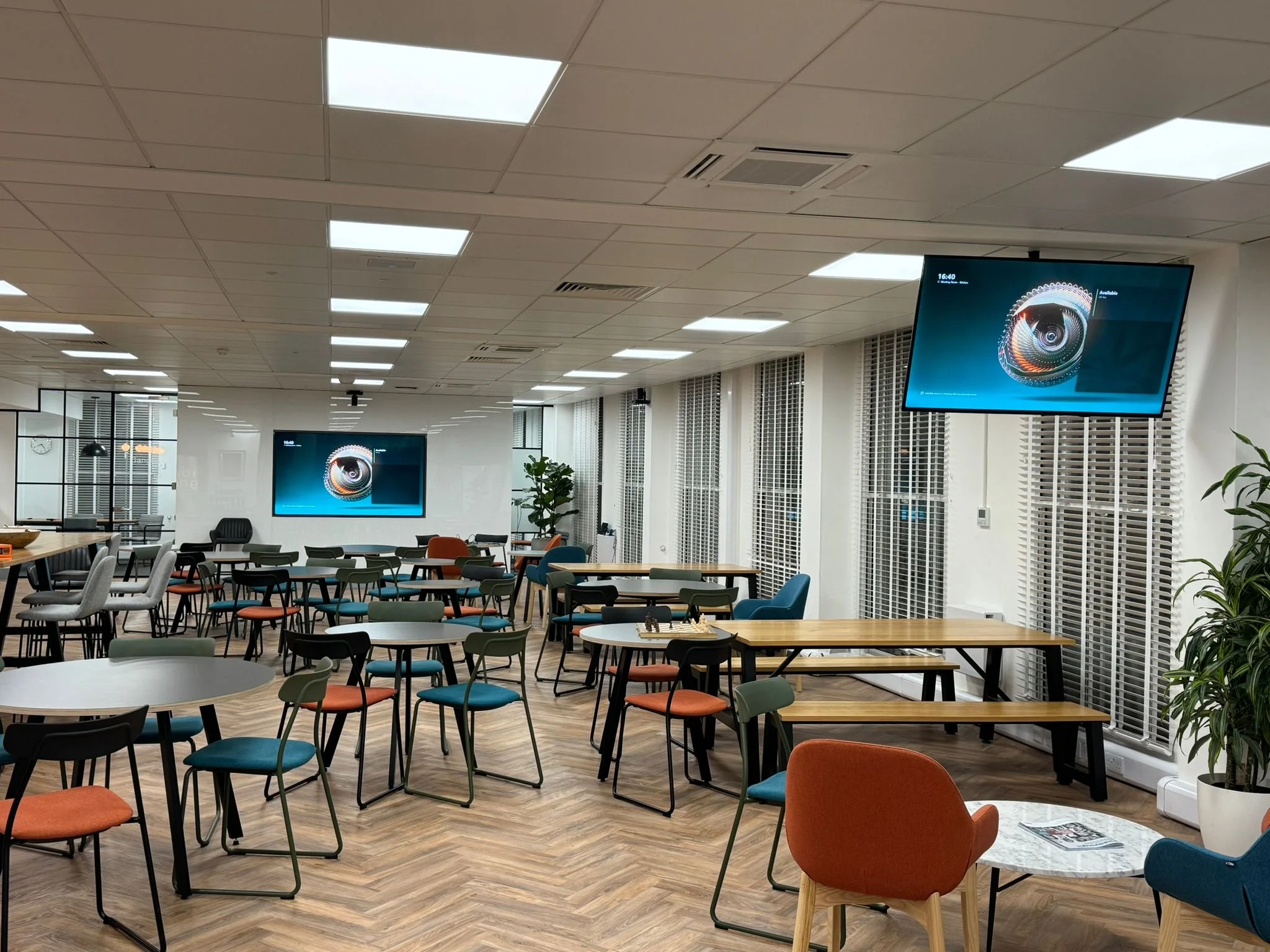
Microsoft Teams town hall space at Riverlane with large displays and room audio, installed by AV Xpert

Why Choose AV Xpert?

We have designed and installed Microsoft Teams Rooms for organisations including GE Vernova, Cambridgeshire and Peterborough NHS Foundation Trust, Costello Medical and Riverlane. We look after the whole project, so you have one team to talk to from the first survey to ongoing support.

We start with a site survey to look at the room size, layout, acoustics and seating, then design a system around how the room will be used. A huddle space might need little more than a video bar, a display and a touch panel, while a larger room may call for separate cameras, ceiling microphones that cover every seat, two displays and booking panels outside the door. Our engineers mount everything neatly and run cables through the walls where possible, to create an elegant finish.

We work alongside your IT team to set up the room's Microsoft 365 account, licence and calendar settings, so the room is ready to book and join from day one. When the room is handed over, we train your staff and keep the room supported.

Let’s talk

Ready to start your next project?

Talk to our team about what you need and we will help you shape the right solution.

Planning your project

Tell us about your project

Let’s talk

Share a few details about your project and our team will be in touch within one working day to talk through your requirements.

Your details

Your enquiry

We aim to reply within one working day.

Frequently Asked Questions

What is the difference between a Microsoft Teams meeting and a Microsoft Teams Room?

A Microsoft Teams meeting is the call itself, which people usually join from their own laptop or phone. A Microsoft Teams Room runs Teams natively on its own dedicated system, so nobody needs to bring a laptop or plug anything in. The room has its own Microsoft 365 account and email address, so you invite it to a Teams meeting just as you would a colleague and the meeting appears on the room's touch panel. One tap joins the call, using the room's cameras, microphones, speakers and displays.

Can I join meetings hosted on other video conference platforms from a Microsoft Teams Room?

Yes. Microsoft Teams Rooms can join Zoom, Cisco Webex and Google Meet meetings straight from the touch panel. We can also design the room to work in other modes, such as bring your own device (BYOD), so anyone can connect their laptop by cable or wirelessly and run a call on any platform using the room's camera, microphones, speakers and display.

Can a Microsoft Teams Room be customised for different room sizes?

Absolutely. AV Xpert tailors each Microsoft Teams Room solution to the space, whether it’s a small huddle room, a standard meeting room, or a large town hall space.

Does a Microsoft Teams Room need its own licence?

Yes. Every Teams Room needs a Microsoft Teams Rooms licence, which is separate from your staff's Microsoft 365 licences. There are two options. Teams Rooms Basic is free for up to 25 rooms in your organisation and covers everything you need to book, join and run meetings. Teams Rooms Pro is a paid licence per room that adds enhanced audio and video features, support for more advanced room setups and remote management, so rooms can be monitored and kept up to date centrally. We will talk you through the options and set up the licence as part of your installation.